Compare known addresses with Z21
Goal: Compare existing RailKeeper decoder addresses with a Z21 or z21 without writes. You need Admin, saved digital vehicles with addresses, and a reachable station.
Check connection and initial inventory
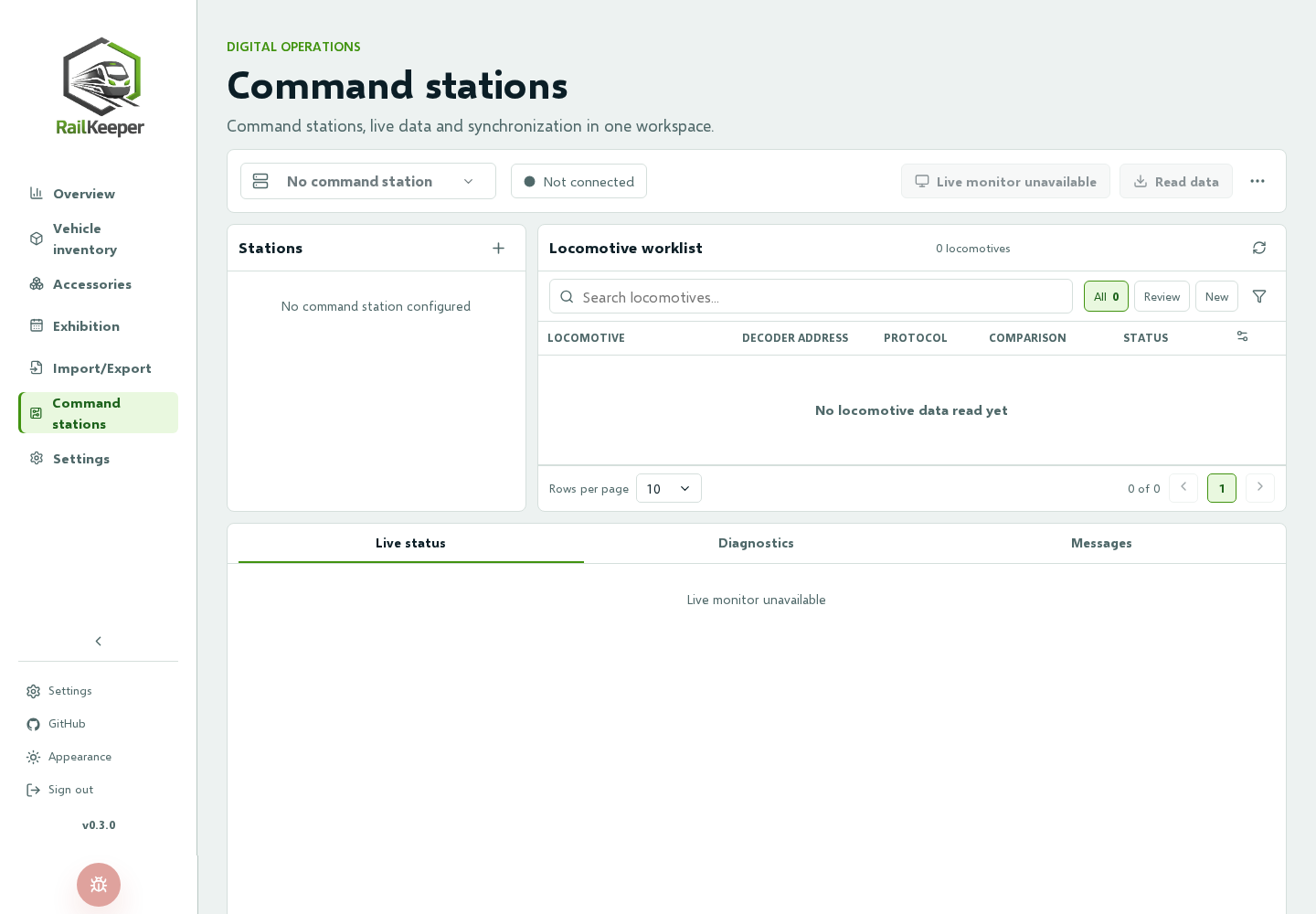
- Open Settings > Command stations, choose Z21 and check host and UDP port, normally 21105.
- Save, test the connection and inspect diagnostics if necessary.
- Check saved decoder addresses in inventory. The read workflow does not invent unknown addresses.
- Activate the intended connection and open Command stations.
Read data and understand its limited meaning
Select Read data. RailKeeper queries already known unique addresses and puts only the confirmed address into the comparison worklist. The reply lacks names and protocol details, so those remain marked incomplete. Speed, direction and active function states are not imported into inventory.
This does not query the entire station roster. Replies contain no locomotive names, cached CVs or images. The workflow supports at most 64 distinct known addresses; larger sets are rejected rather than silently truncated.
Review results
Compare source address, existing vehicle and conflict status. Resolve identity yourself when more than one vehicle matches. Missing names or protocol must not be treated as instructions to delete existing vehicle information. Check which actions the current worklist actually offers.
| Observation | Next step |
|---|---|
| No useful initial inventory | Check the intended RailKeeper vehicles' decoder addresses |
| Timeout | Check reachability from the server and UDP port |
| Name or protocol unknown | A reply limitation; do not guess |
| No CVs | Import a CV file at the vehicle; this read path supplies no CV list |
| Intellibox 3 selected | Only connection testing and diagnostics are enabled there |
Protocol-based automated tests cover these read workflows. Physical model/firmware validation is still pending. Compatibility and evidence.