
Review, lock and print an operating day
Goal: Review a saved event for completeness and generate the intended report. Use Admin and synthetic data. This workflow sends no writes to a command station.
1. Prepare an event
Choose Exhibition > New event, creating Demo operating day with start and end. Select it on the left and add owner Demo club, locomotive Demo F0 F1 F3, address 3 and function keys. Initially leave Command station / interface empty to explore validation.
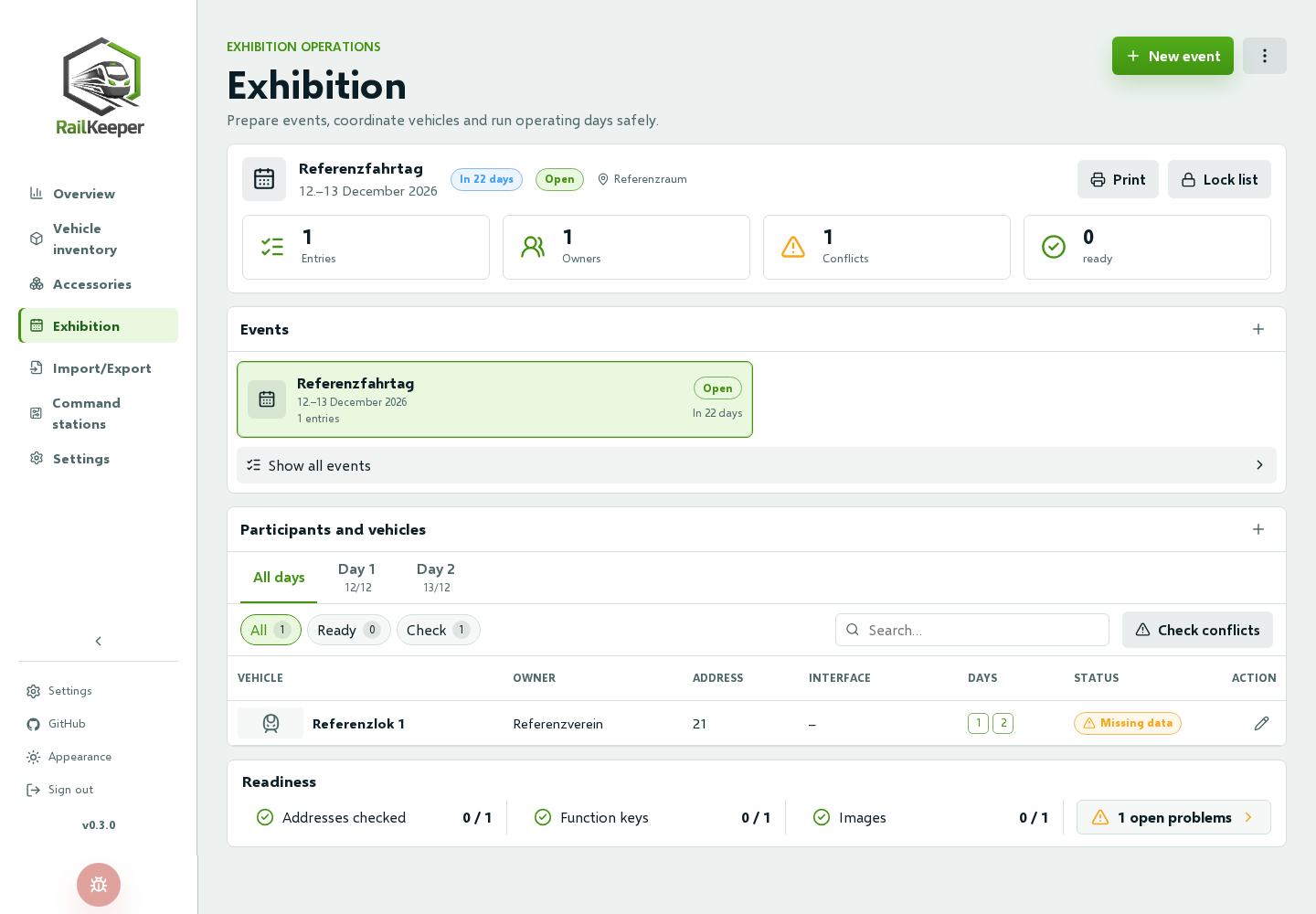
2. Identify and correct the conflict
Select Lock list. The missing station/interface prevents silent locking.
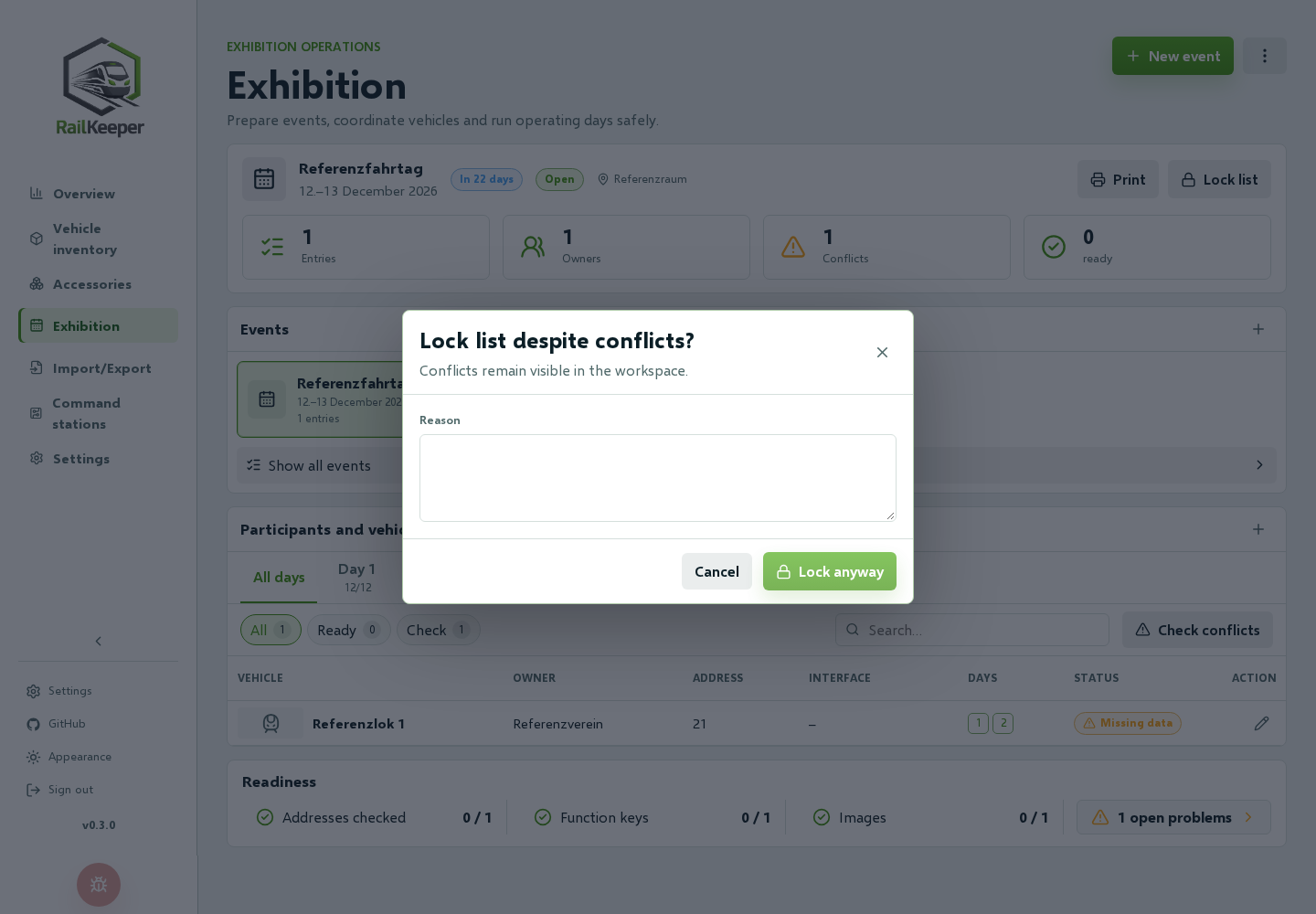
Select Cancel, edit the entry and fill Command station / interface: Demo station.
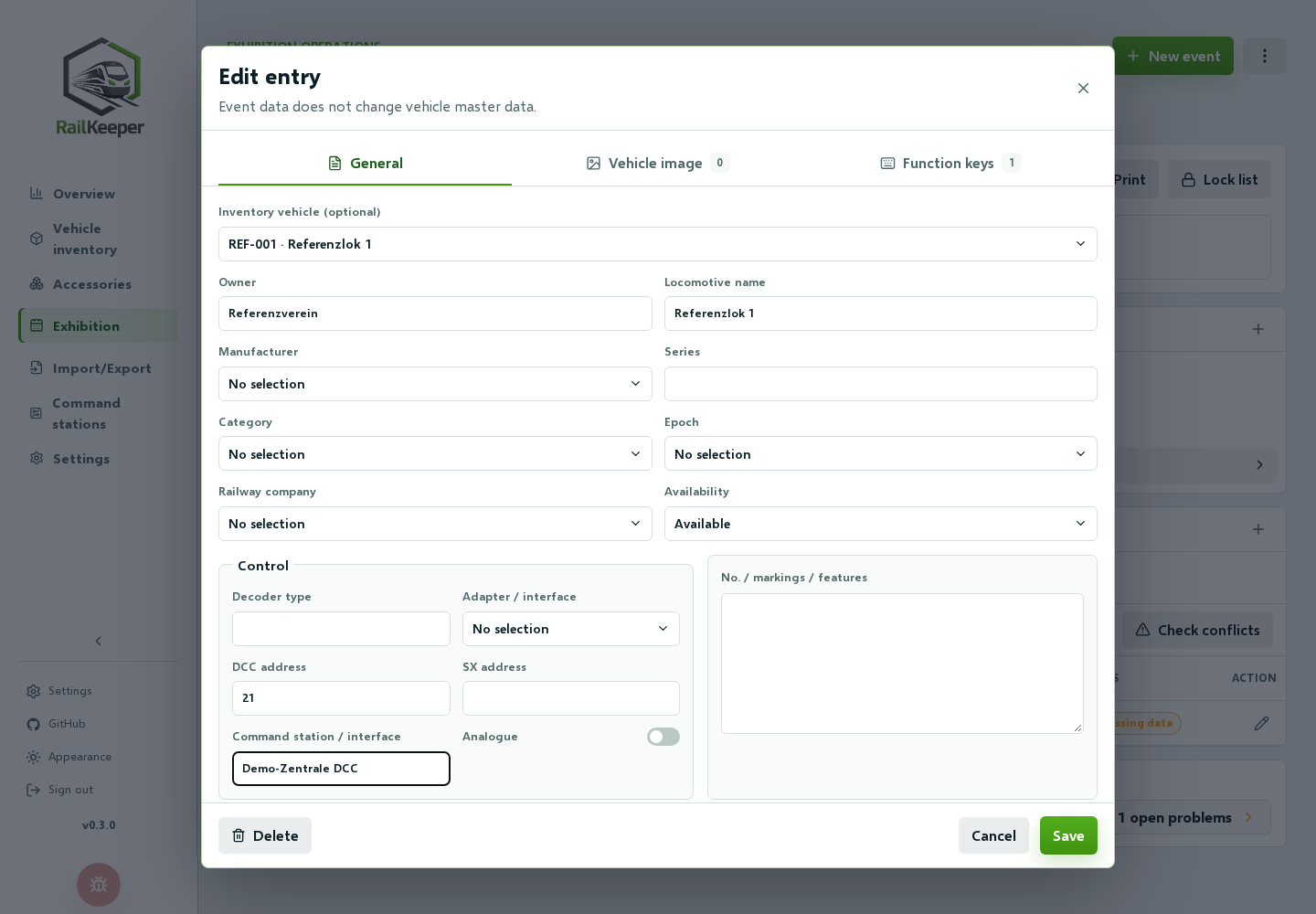
Save and check conflicts again. A missing image can still produce Check.
3. Lock planning
Select Lock list again. Once required details are complete, locking saves directly.
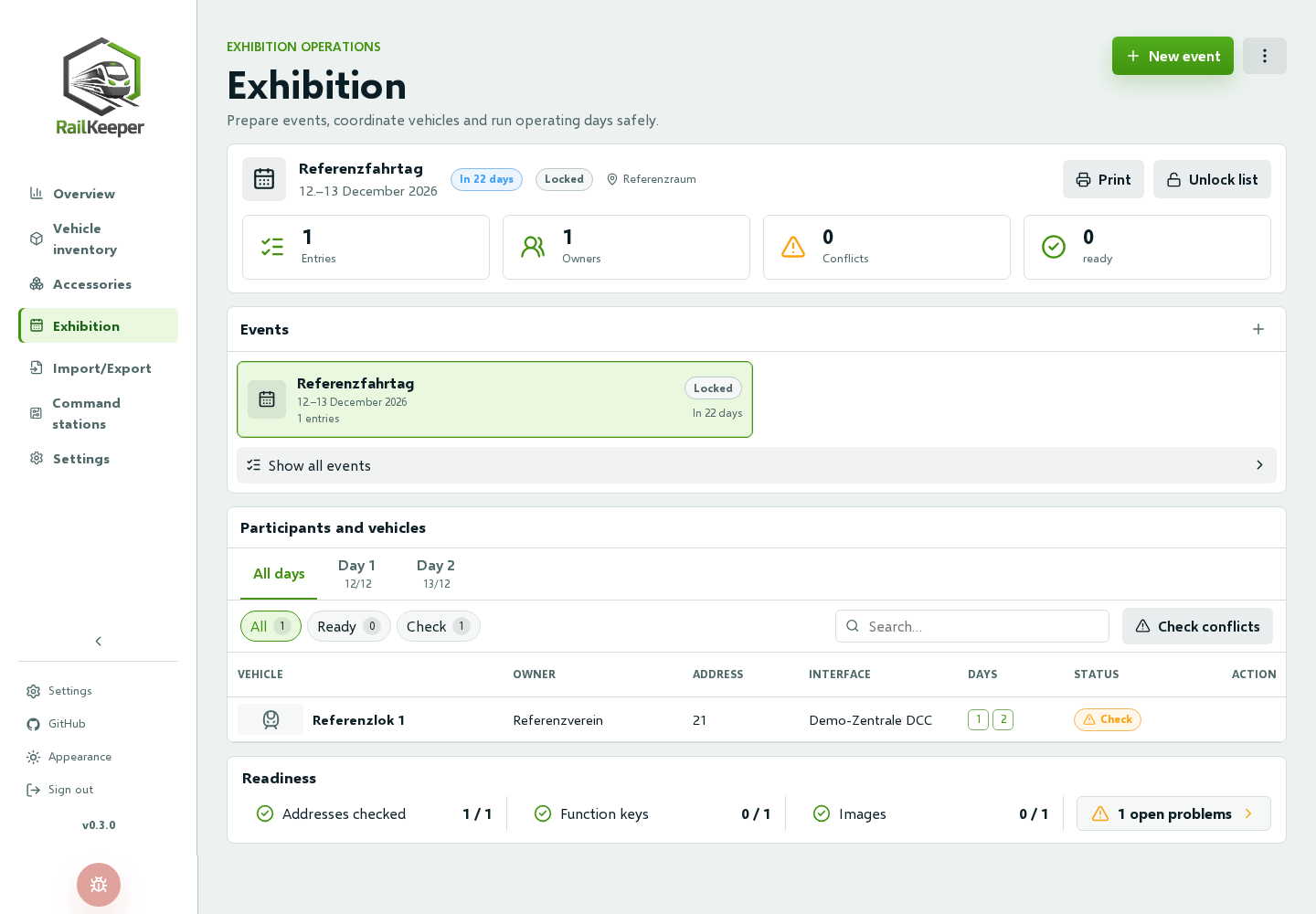
4. Inspect the complete report
Select Print in the event header. In the browser print workflow, check event, locomotive, owner, address and function keys. The report includes all event entries independently of table filters.
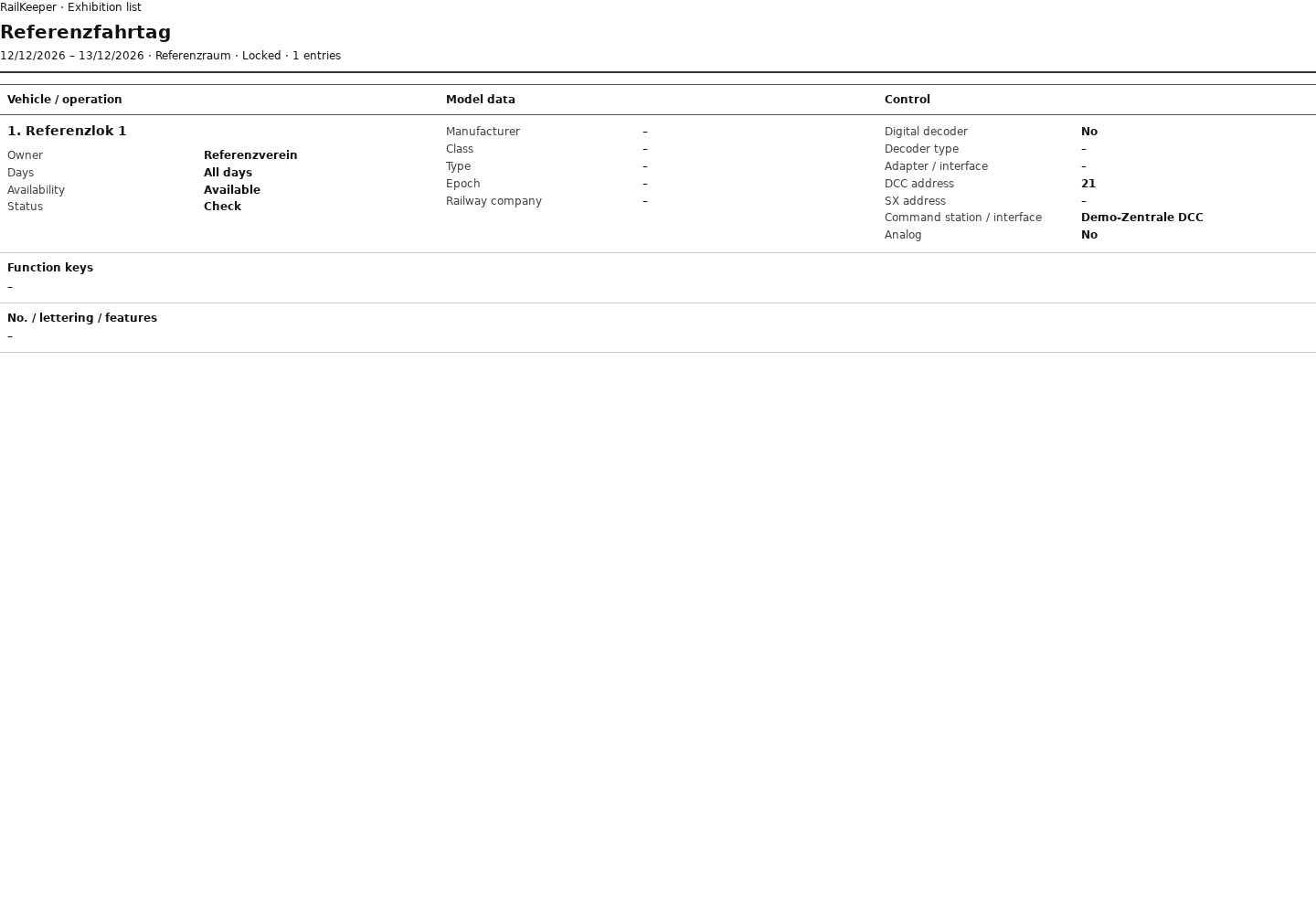
Only then choose a printer or PDF destination. Reopen planning with Unlock list if necessary. Status and roles · Entry and print details.