
Practice accessory usage and maintenance
Goal: Follow how reservation, installation and removal change stock, then complete vehicle maintenance. Use Admin or Editor and synthetic data only.
1. Start with four pieces
Create a quantity article Demo lighting board, unit Piece. Add an active master-data storage location Demo drawer and book four pieces there as initial stock. Use an existing test vehicle as the allocation target. Create an article · Book quantity stock.
The pictures show actual local demo transactions. Intermediate states were prepared through local application APIs and checked in the actual UI. No command-station operation is involved.
2. Reserve one piece
Edit the article and open Stock. In the reservation form, choose vehicle, location and quantity 1. Optionally describe placement and connection. Select Create reservation and confirm.
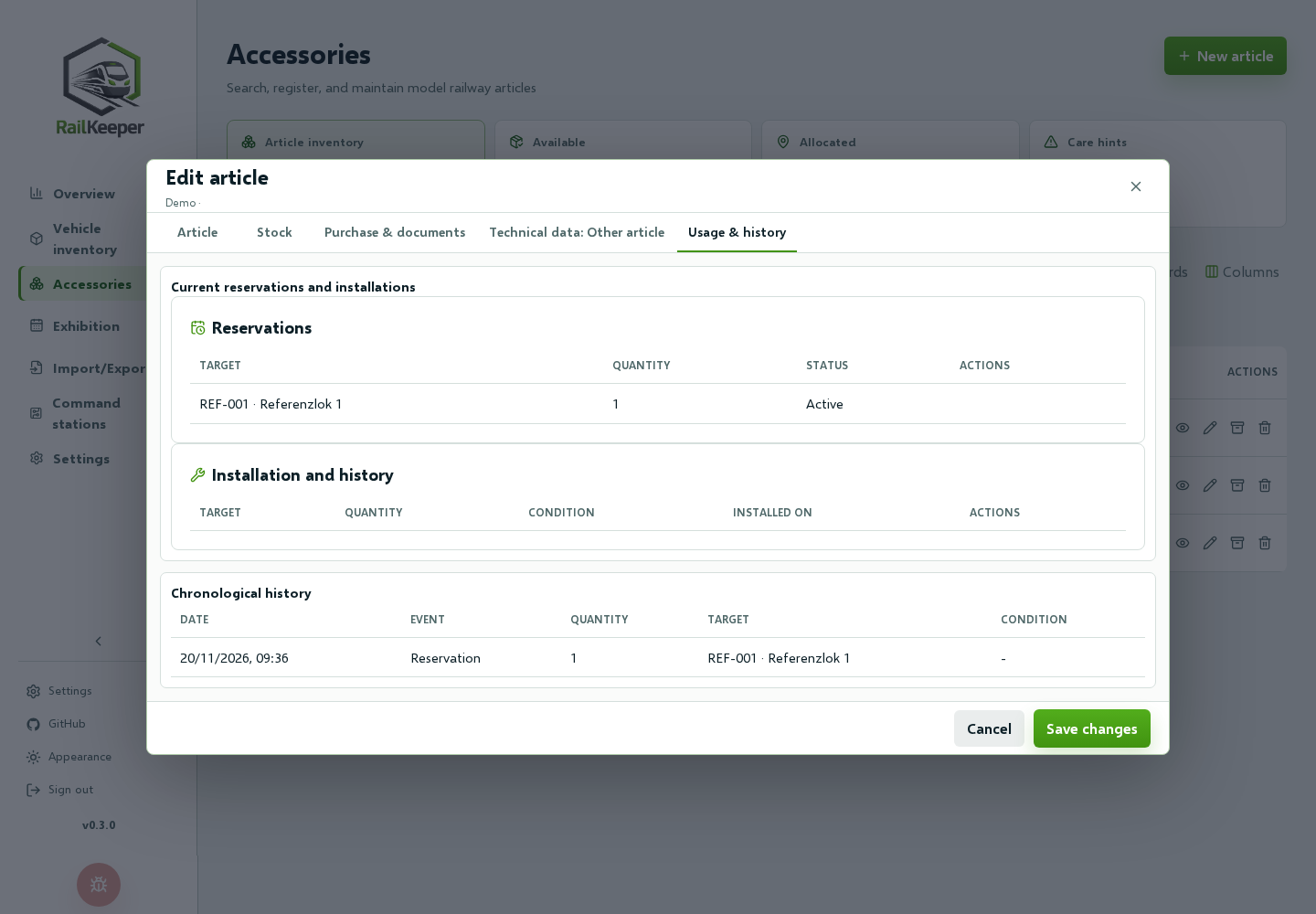
A reservation holds material for a vehicle. It does not establish a physical installation.
3. Install the reservation
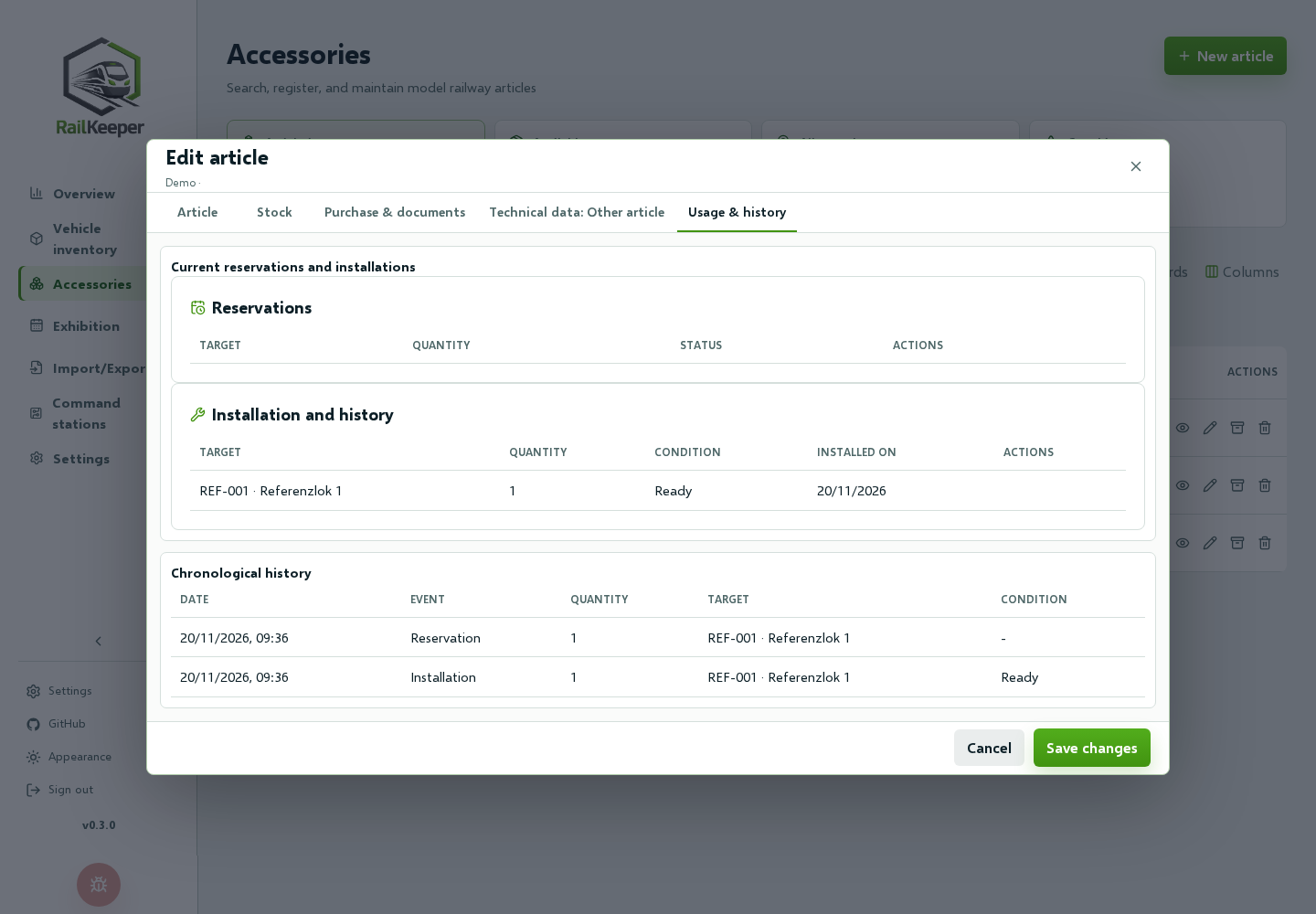
Select the active reservation in the installation form. Review inherited target and source. Choose condition, then Record installation, and confirm.
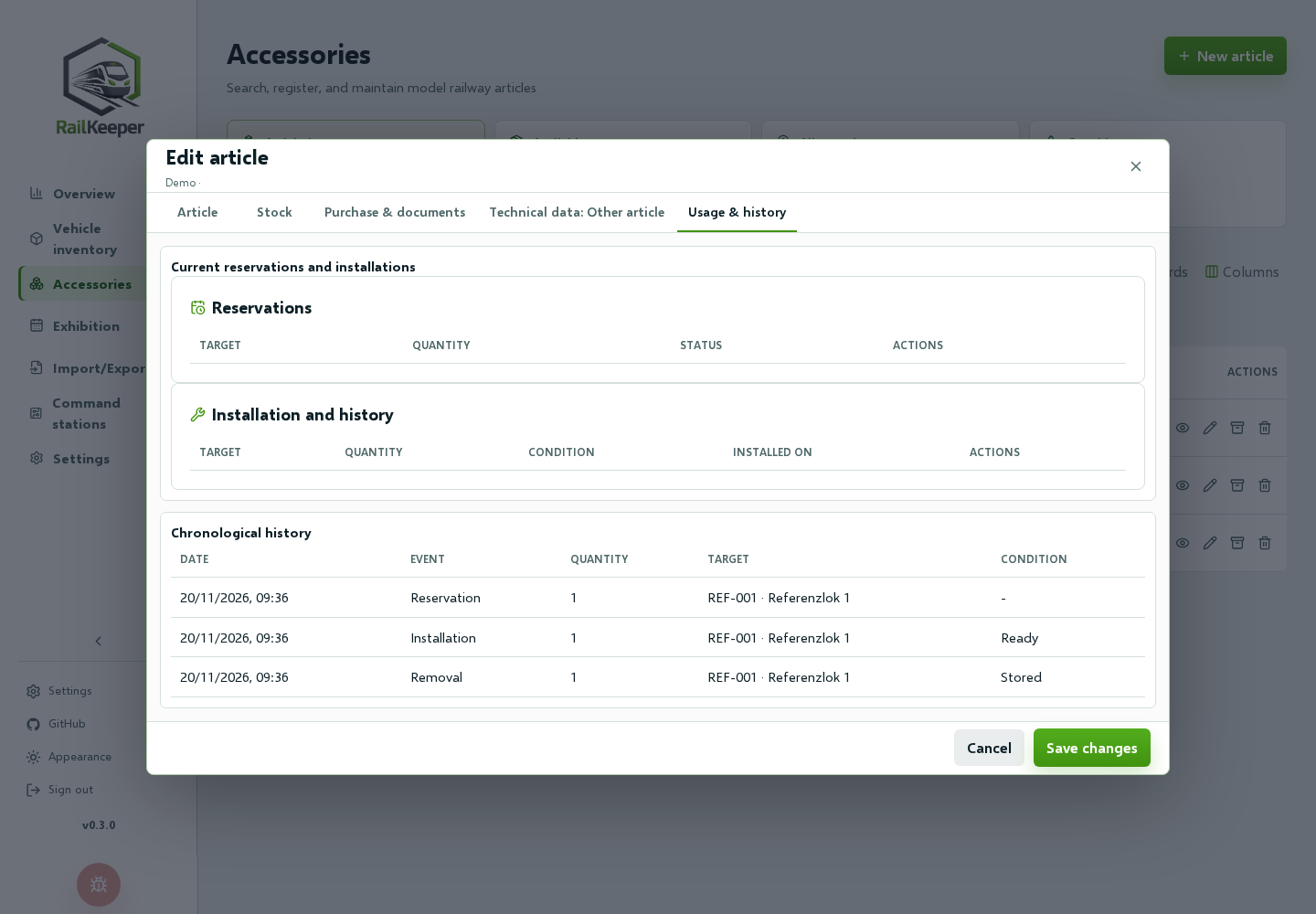
These booking forms also belong to Stock. Usage & history shows saved reservations, active installations and the event history. The picture sequence shows this read-only view.
4. Remove it back to storage
Select Remove at the active installation, choose Stored and the active storage location. Review and confirm.
| State | Stored | Reserved | Installed | Available |
|---|---|---|---|---|
| Initial | 4 | 0 | 0 | 4 |
| Reserved | 4 | 1 | 0 | 3 |
| Installed | 3 | 0 | 1 | 3 |
| Back in storage | 4 | 0 | 0 | 4 |
This table applies to the quantity article with removal disposition Stored. Individual assets and removal to defective, maintenance or retired have different lifecycle effects. Details and troubleshooting.
5. Complete vehicle maintenance
Open Edit > Maintenance on the test vehicle. Add a cleaning record with status planned and a past due date, then save that maintenance entry.
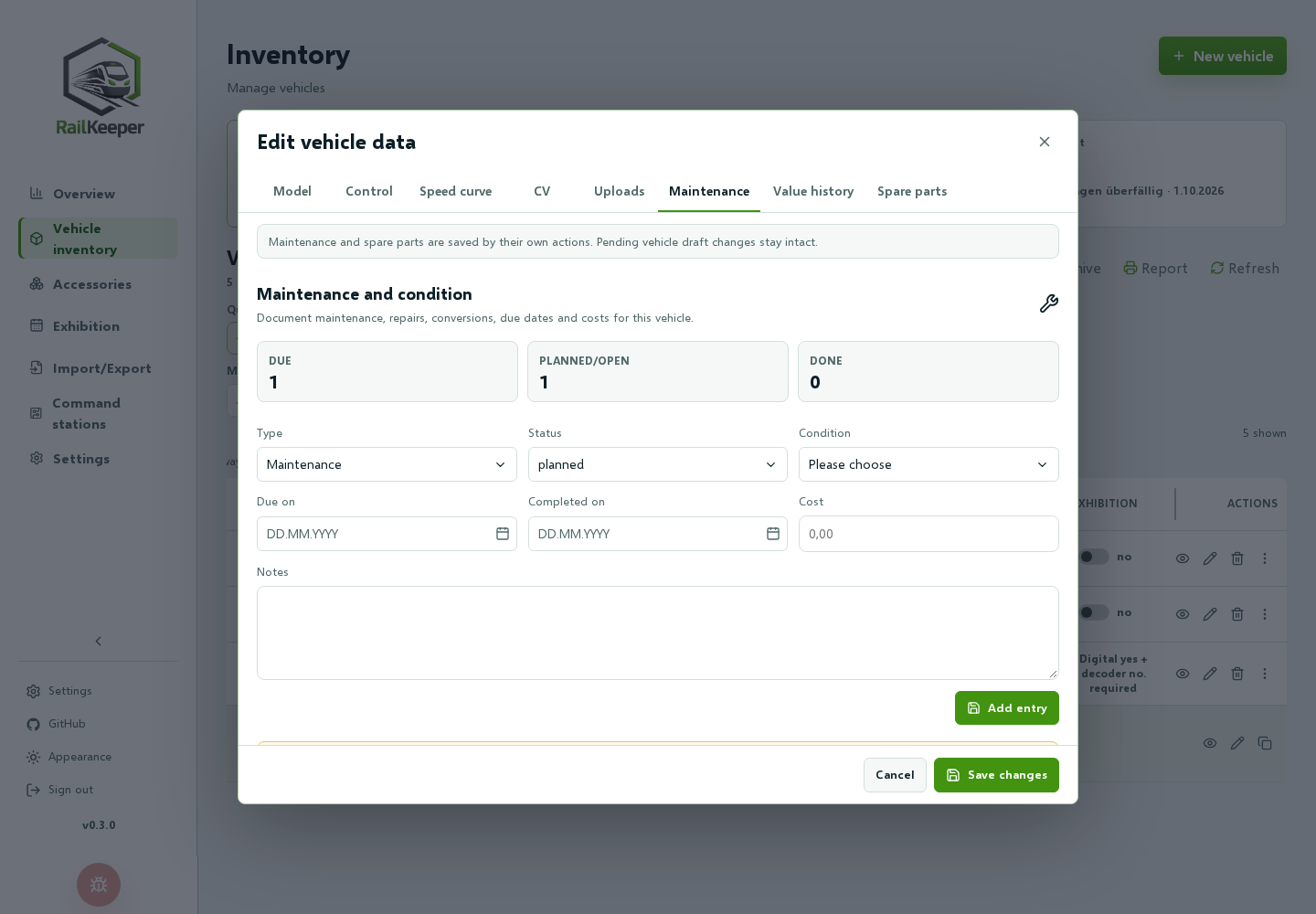
Perform the work and select Done at this record.
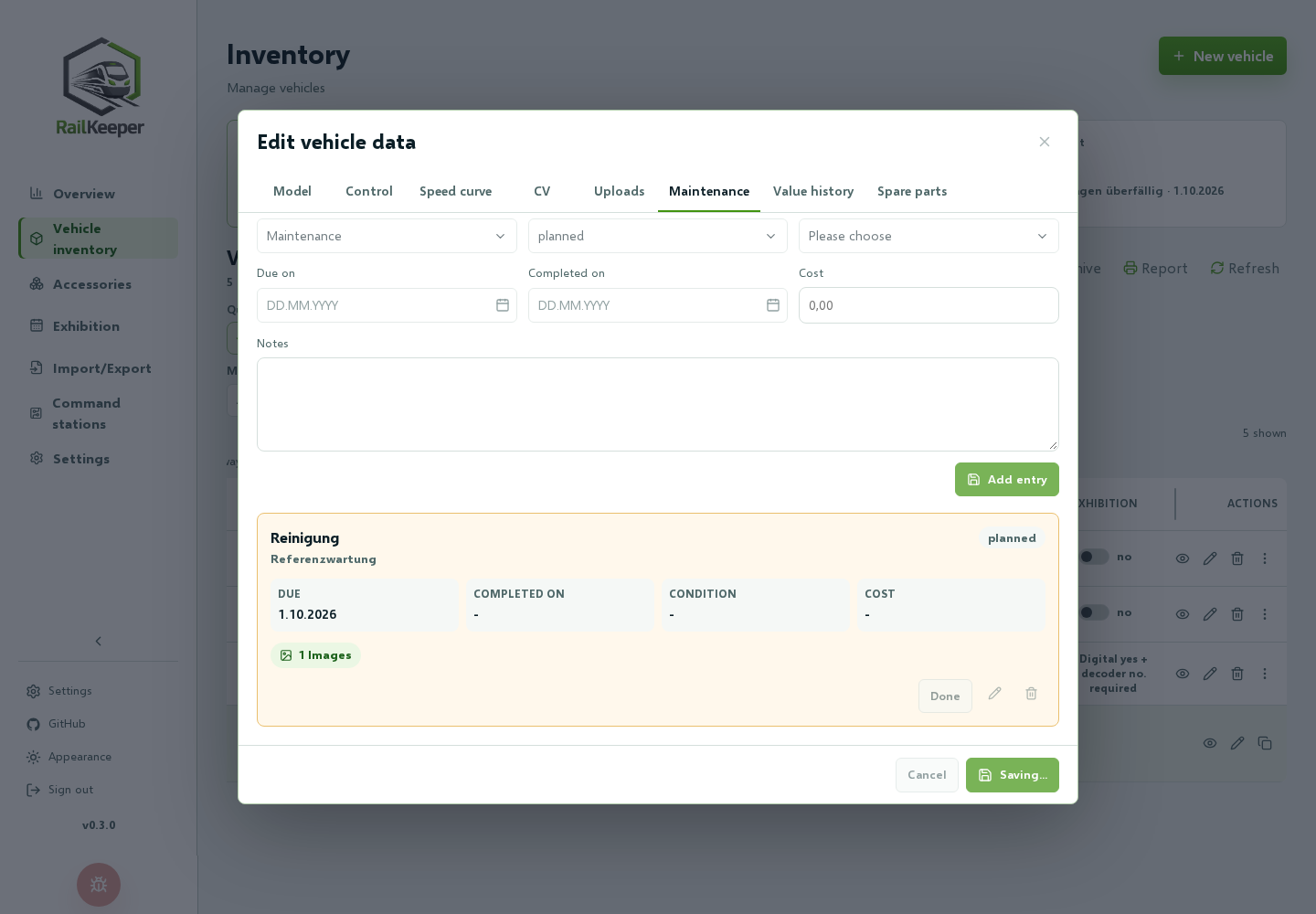
Reopen the vehicle and check status and date. Maintenance actions save independently of the vehicle's main save button and may reload it. Deliberately save or discard other drafts first. Maintenance reference.