
Report an issue
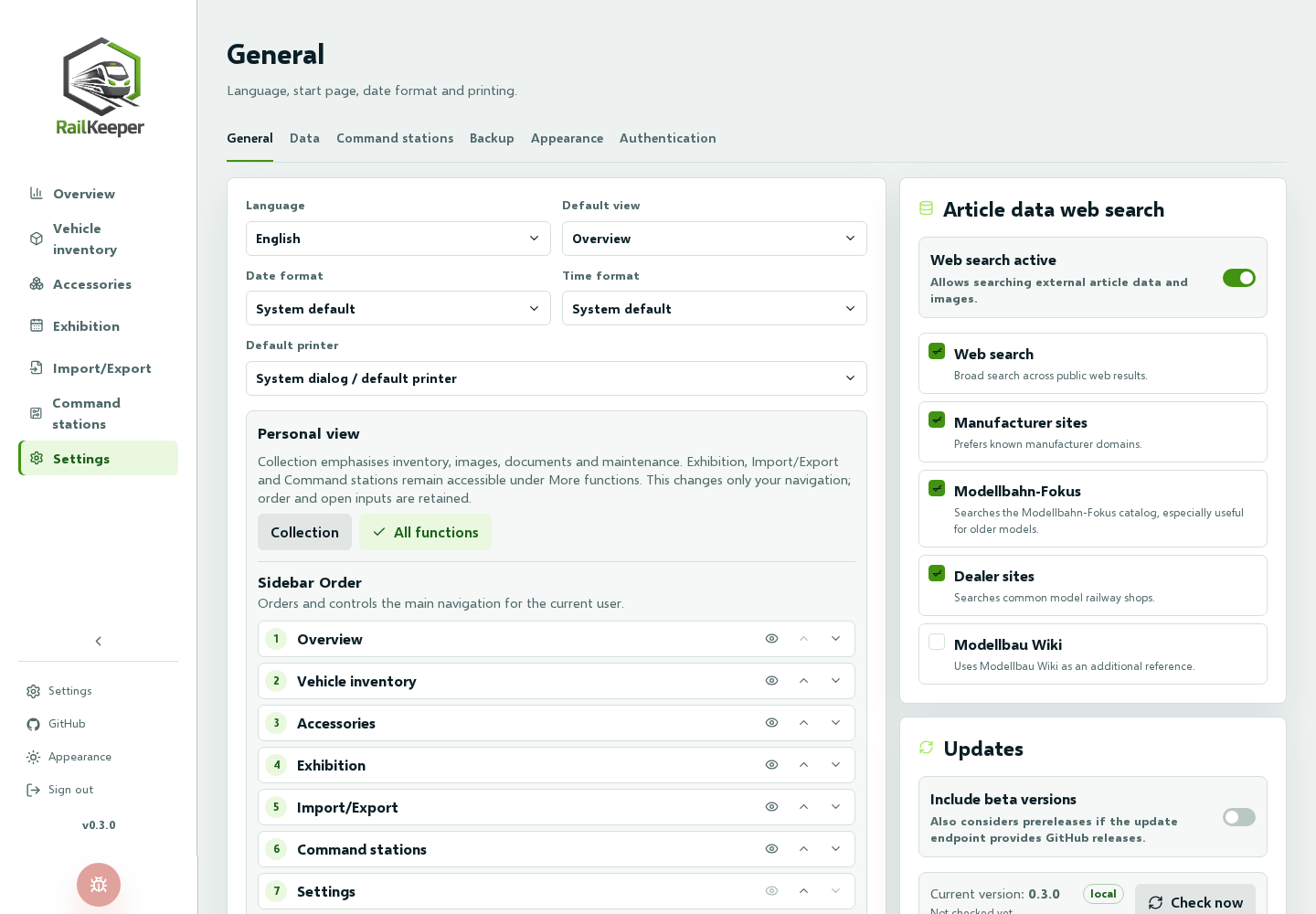
When an operator has configured in-app reporting, every authenticated RailKeeper role can open the floating bug button. The form creates a labeled issue in the RailKeeper GitHub repository. You do not need to sign in to GitHub in the browser.
If the feature is unavailable or its startup check failed, the same button opens the normal GitHub Issues page instead. Your form content is never silently redirected to a different service.
Send a useful report
- Open the page where the problem occurred and select Report issue.
- Under Where does the problem occur?, choose the affected part of RailKeeper. The current page is selected automatically. Choose Other if you are unsure.
- Describe what happened in at least 20 characters.
- Optionally add the expected behaviour and reproduction steps.
- Add an email address only when you want the maintainer to contact you. This field appears only when the operator configured contact encryption.
- Optionally select, paste, or drop a PNG, JPEG, or static WebP screenshot. Review it and consent to public storage.
- Expand Which data is sent in the report? and review the current disclosure.
- Send the report. Keep the issue link shown in the result.
The form keeps your text after a recoverable error. If the issue exists but its screenshot or comment is incomplete, Retry continues the same report and GitHub issue instead of intentionally creating a duplicate.
Disable automatic diagnostics
Turn off Automatically include technical diagnostics in the form. The choice is remembered in this browser. Disabling it clears the local error buffer, stops further automatic error capture, and omits both browser and server diagnostics. The server also discards supplied diagnostic fields when the option is off.
When enabled, expand the preview to inspect the diagnostic scope. Runtime and memory values are snapshots; the server collects fresh values when sending. Nothing is uploaded to GitHub in the background.
Included diagnostics
RailKeeper sends a bounded technical snapshot taken at submission time:
- RailKeeper and Go runtime versions, deployment type, database schema version, operating system, and architecture
- collection time, process uptime, CPU and goroutine counts, and Go memory use
- SQLite version, database size and journal mode
- browser family and major version, viewport, theme, language, and time zone
- current RailKeeper path and functional area
- your role names, not your username
- enabled digital-centre provider type names, such as
ecosorz21 - up to 30 recent sanitized browser errors with abstract API routes, status, and safe error class
Explicitly excluded data
The automatic diagnostics do not contain:
- vehicle, accessory, layout, or exhibition records
- inventory counts or other inventory statistics
- connected-device counts, states, addresses, hosts, ports, or connection statistics
- printer names, serial numbers, credentials, passwords, tokens, cookies, API keys, or access codes
- request or response contents, webhook URLs, local paths, hostnames, usernames, or email addresses
The optional text, email address, and screenshot that you enter yourself are separate from the automatic diagnostics. Check free text and images before sending them.
Screenshots and contact details
The screenshot field is available only when a separate public asset repository is configured. Screenshots are optional and limited to 5 MiB. RailKeeper accepts PNG, JPEG, and static WebP, checks dimensions, decodes the image, and re-encodes it to remove embedded metadata. This reduces risk but cannot hide information visible in the pixels. The sanitized image is stored in a public GitHub repository only after you explicitly consent.
When available, the optional email address is sent to your RailKeeper server and encrypted there for the operator's configured age recipient before it is included in the issue. GitHub receives only the armoured ciphertext, not the readable address. Remote deployments should use HTTPS so the address is also protected between browser and RailKeeper.
Do not attach screenshots that show passwords, tokens, private documents, personal messages, or other material that must not be public.
Limits and failures
Each user can start up to five new report IDs per hour. A retry for an existing report ID does not consume another new-report slot. GitHub outages, revoked tokens, missing labels, or an unavailable public asset repository can prevent submission. Your text remains in the form, and the external GitHub Issues page remains the fallback when in-app reporting is disabled.